

Quickstart
From zero to your first conversation in three steps: register, sign in, ask.
Step 1: Register
Open the Chat home page and click Start (or the avatar in the top-right corner) to reach the sign-in page.
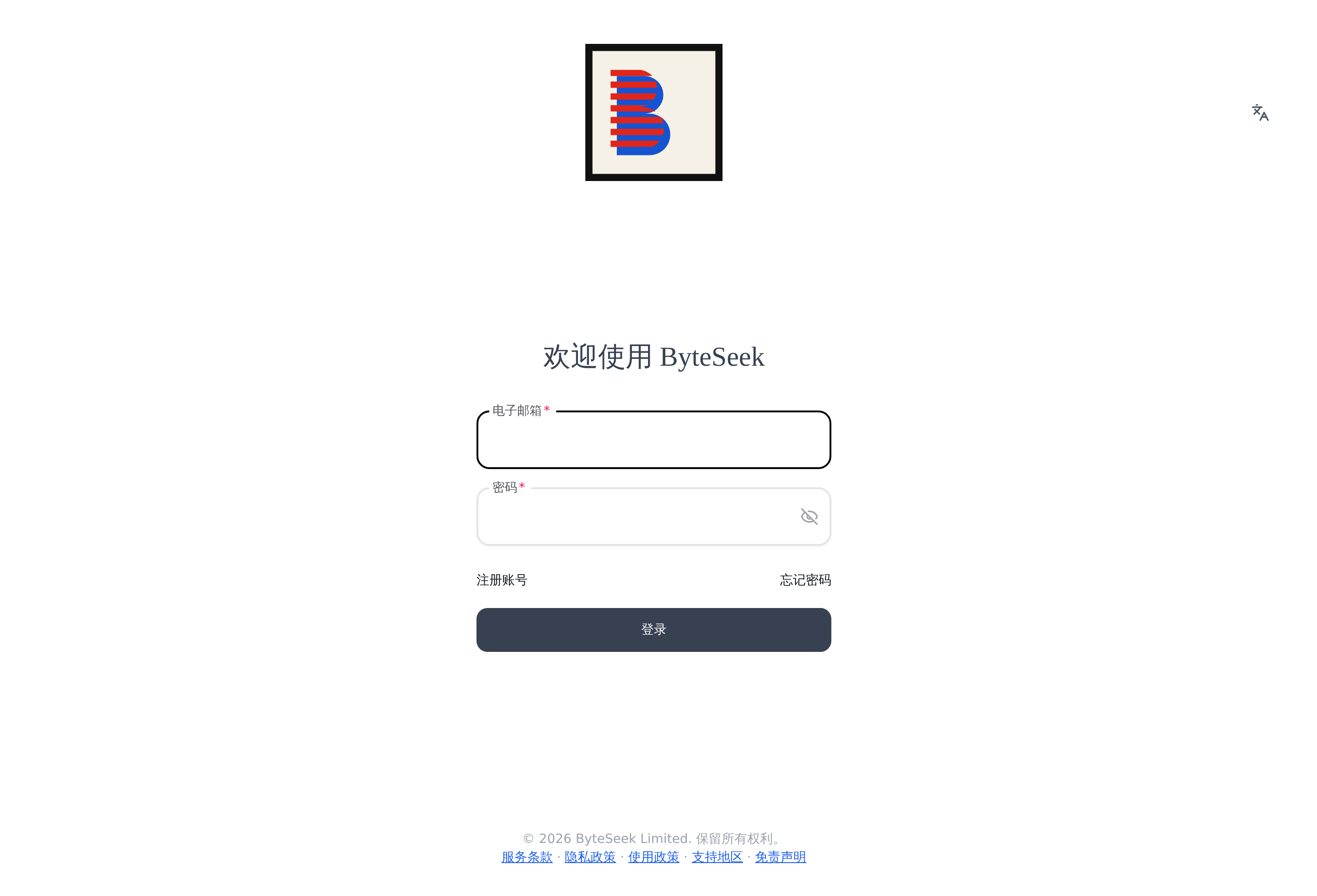
Click "Register", fill in your email address and a password, and you are done.
Read the terms before registering
The footer of the sign-in/registration page links to the Terms of Service, Privacy Policy, Acceptable Use Policy, Supported Regions and Disclaimer. Registering and using the service constitutes acceptance — please read them first.
If you forget your password, use "Forgot password" on the sign-in page to reset it via email.
Step 2: Enter the conversation
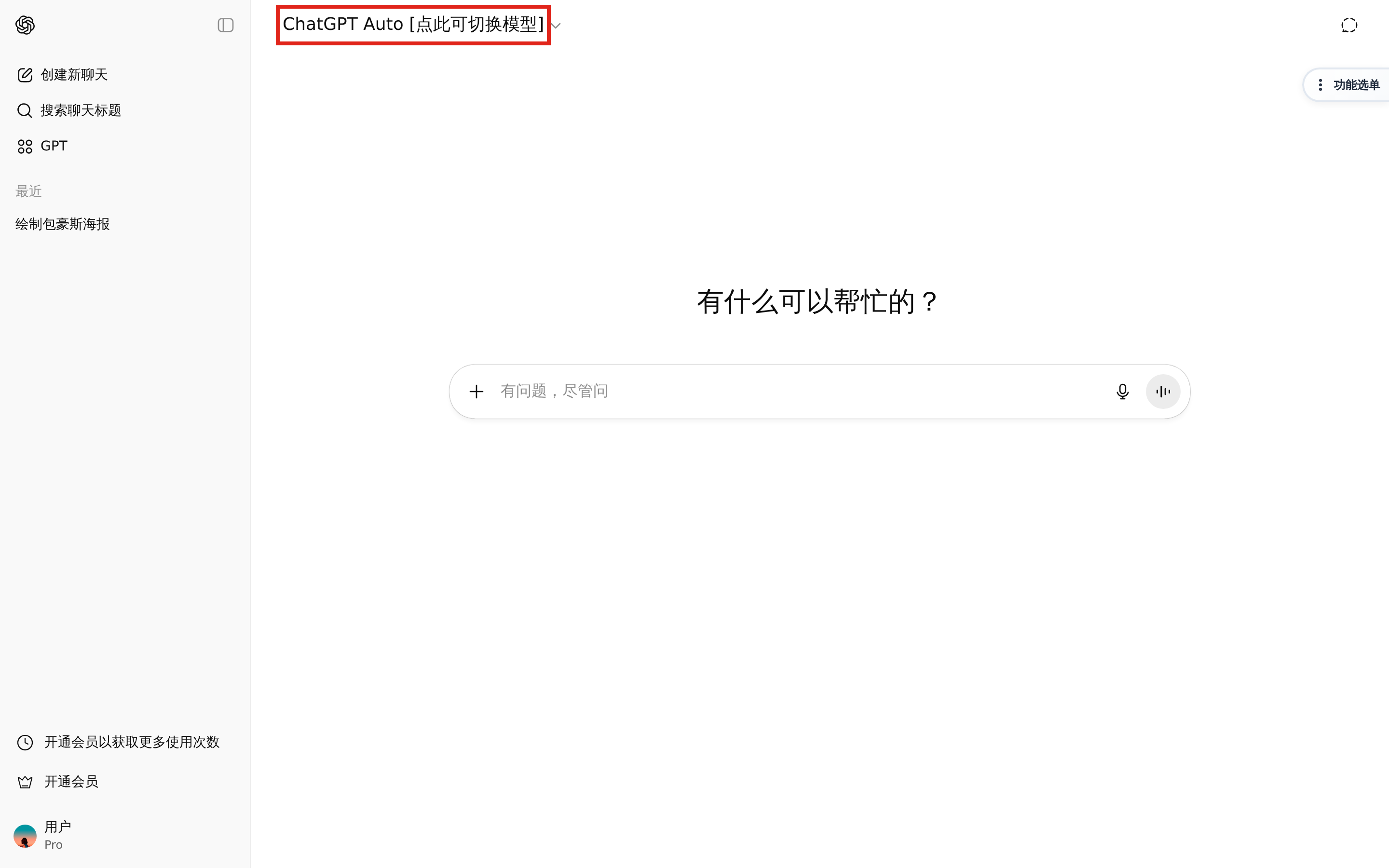
After signing in, click Start now on the home page. The interface is easy to navigate:
- The left sidebar holds your chat history —
Ctrl+Shift+Ostarts a new chat,Ctrl+Ksearches chat titles; - The ChatGPT Auto [click to switch models] button at the top switches models;
- Type your question in the input box in the middle.
Step 3: Ask
Type a question and send it. A few things to try right away:
- Ask again with another model: switch models mid-conversation and compare answers, see Features.
- Generate an image: type something like "draw a Shiba Inu wearing a beret" — image requests are routed to the image model automatically.
- Upload a file: upload a document and ask questions about its content, see Features.
Next steps
- Full feature guide: Features
- Activation and renewal: Subscriptions · Redeem a Code
- Having problems? FAQ
- Terms and policies: Terms of Service · Privacy Policy