

Redeem a Code
A redemption code ("card key") is a one-time voucher for Chat subscriptions: redeeming it activates or renews the corresponding plan immediately. It is the fastest option when online payment is not convenient.
How to redeem
- Sign in to your account.
- Click Redeem Code in the top navigation (or switch to the "Redeem" tab on the subscription page).
- Paste the complete code into the input box and click Submit.
- The subscription takes effect immediately; check your tier in the bottom-left corner of the conversation UI.
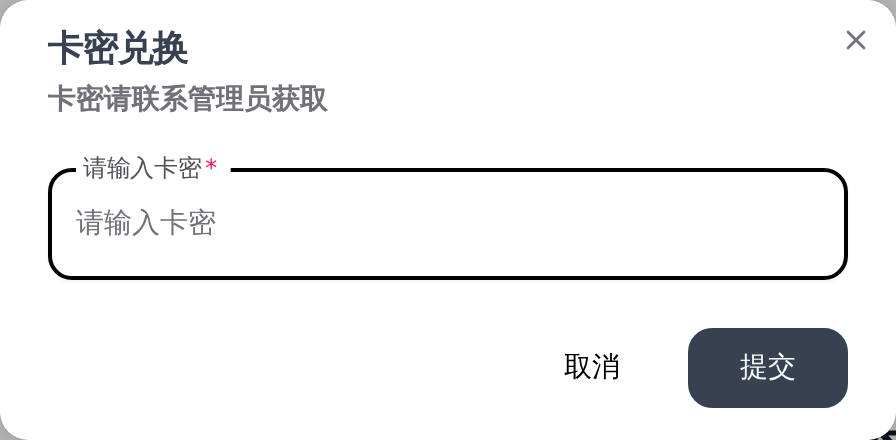
Getting a code
Purchase from in-site support; tiers match the subscription page. To reach support on WeChat, check the top-right corner of the site for the latest contact; you can also email Support@mail.byteseek.ai.
Notes
- Each code can be redeemed once and becomes invalid immediately afterwards. Do not share or publish codes.
- Watch out for leading/trailing spaces; codes are case-sensitive.
- If a code is reported invalid, first check that it was copied completely; if it still fails, contact support with the source and time of purchase.
- Only buy codes from official support. Cheap third-party codes may be fraudulent or stolen, and resulting issues cannot be covered.