Create an API Key
The first step in using ByteSeek Tokens. Head to the API Keys page to begin.
Steps
- Sign in and open the API Keys page (personal and team keys are managed in separate tabs).
- Click Create Key and fill in the dialog options as needed (see the table below).
- Create, then copy and store the key immediately.
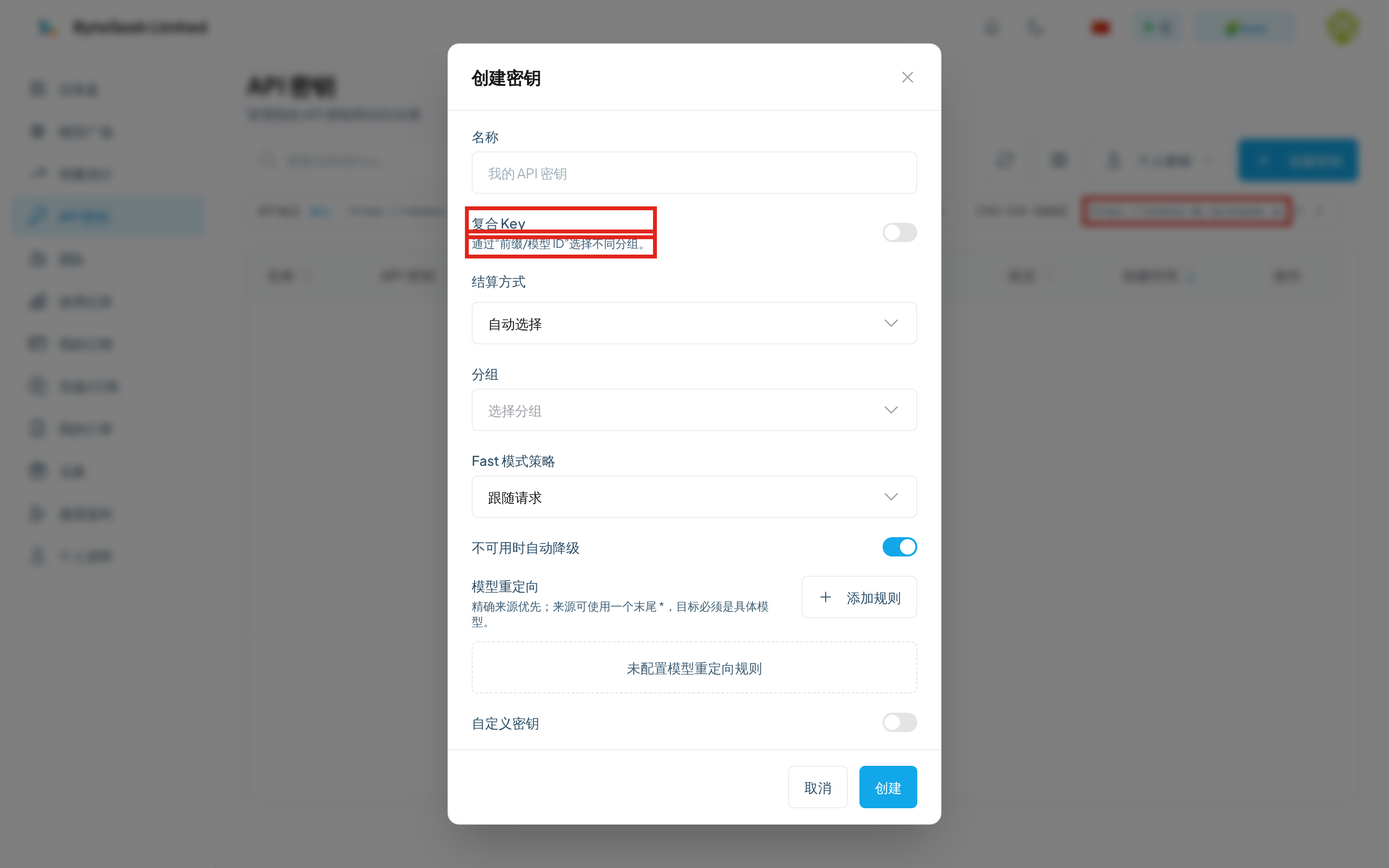
Dialog options explained
Keys are shown only once
The key is displayed in full only at creation. No page (not even admins) can reveal it afterwards. If lost, delete the old key and create a new one.
Recommended habits
- One client, one key: a leak invalidates only one device.
- Spending caps on script keys: runaway automation cannot burn your balance.
- Expiry on temporary keys: they clean themselves up.
- One client across many groups: use a composite key instead of juggling regular keys.
Query a key's usage
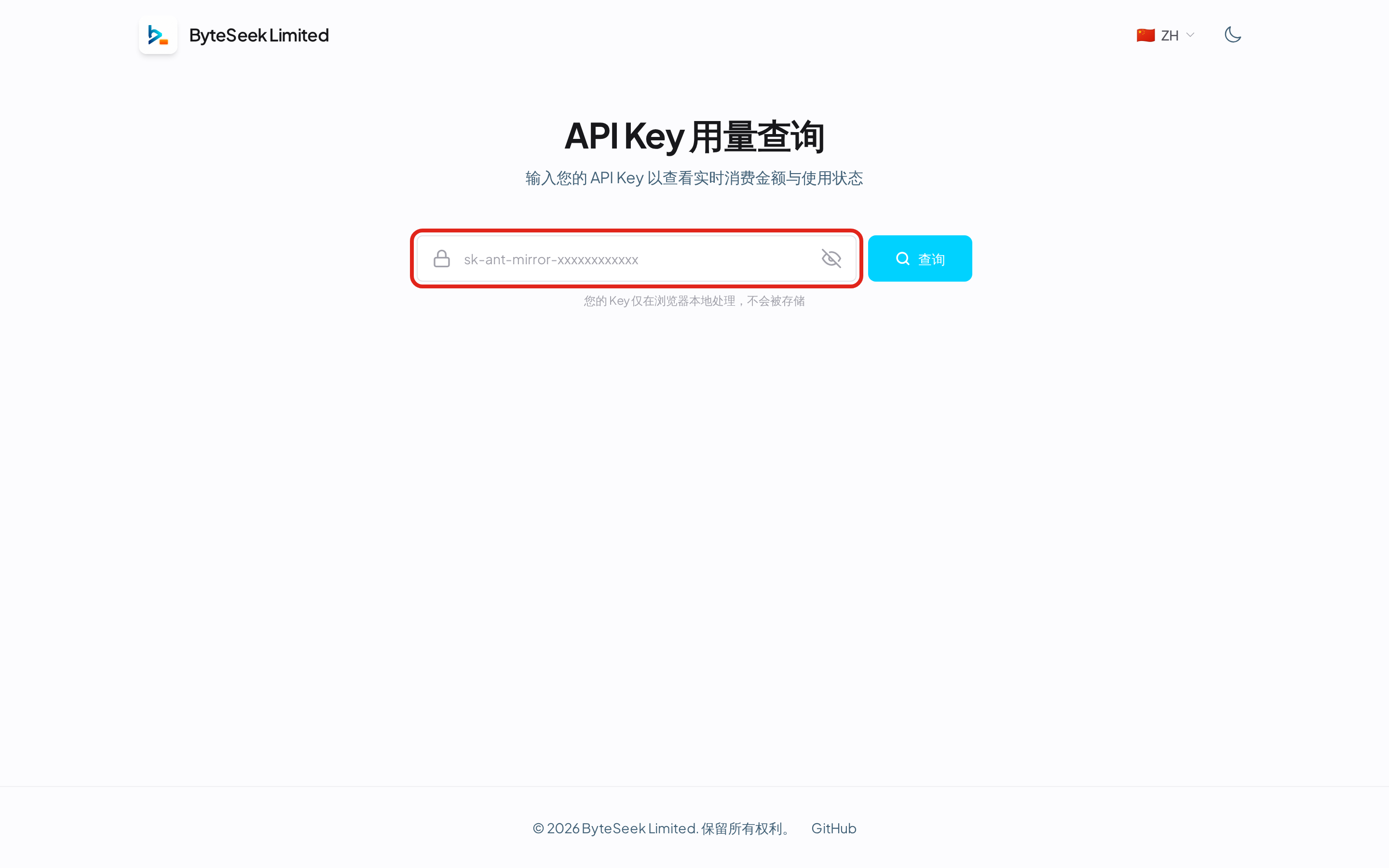
No sign-in required: paste a key into the key usage page to see live spending and status. The key is processed locally in the browser and never stored — handy for teammates checking their own quota.