

Fast Mode
Fast Mode requests the upstream high-priority lane: shorter queues, faster first tokens. It can be forced directly on an API key — no client changes needed — which is especially useful for clients without a Fast switch of their own.
Each model's Fast input / output / cache prices appear in "View detailed pricing" in the model plaza, typically about twice the regular price. Check that table before switching on.
Setting it
- Open the API Keys page.
- Create a new key or edit an existing one.
- Set the Fast Mode policy dropdown and save.
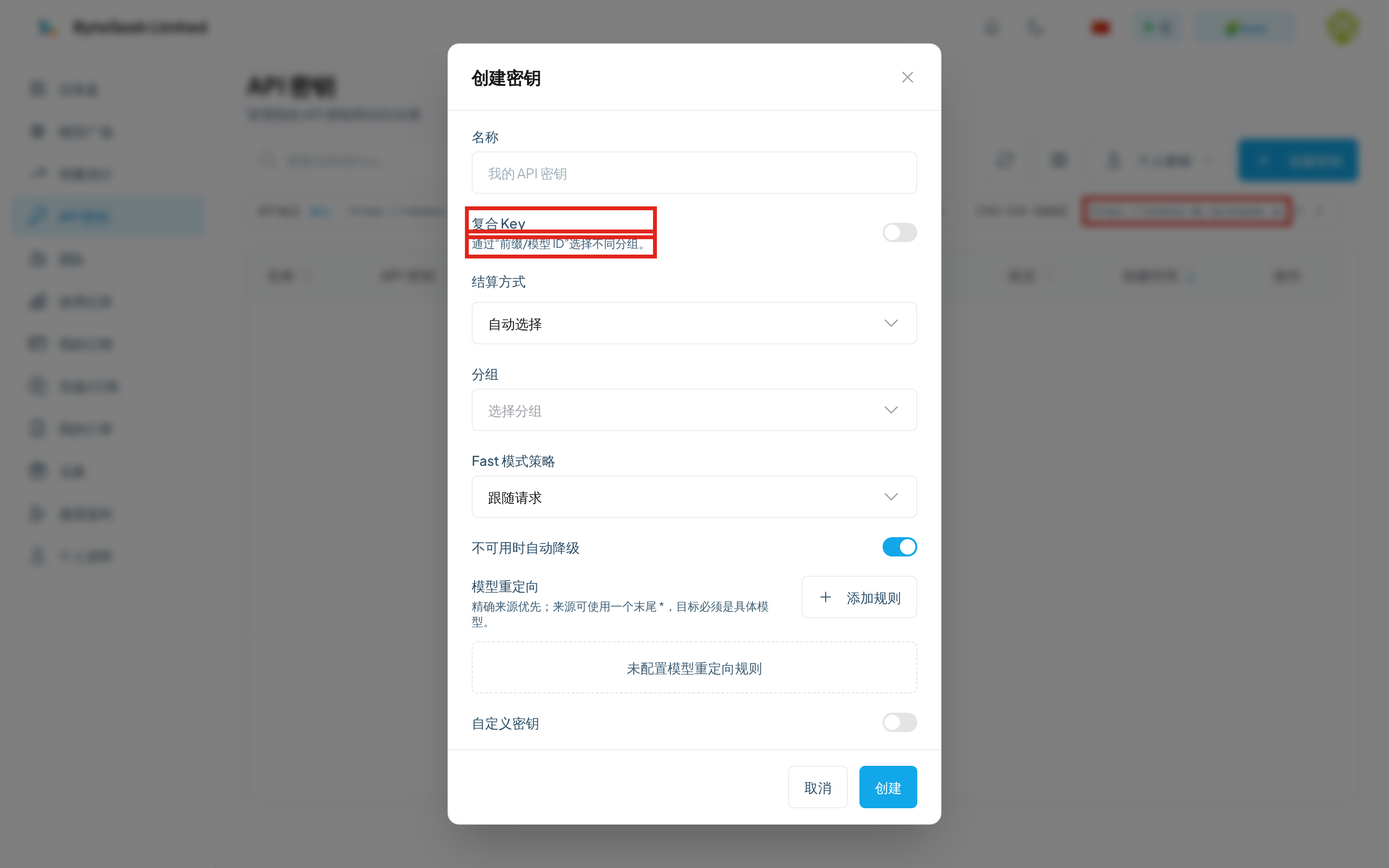
The three policies
Force off removes only the Fast flag; other priority parameters set by the client are untouched.
Below the policy sits a fallback on unavailability switch: when the high-priority lane is unavailable, requests fall back to the regular lane (billed at regular prices) instead of failing. Recommended for reliability-first automation.
Scope and timing
- Applies to all requests on the key, regardless of client or interface;
- Changes take effect immediately — even long-lived connections pick up the new policy on the next turn, no reconnect.
When force-on does not apply
These cases are silently skipped (no error; sent as regular):
- The upstream platform or credential type behind this request has no priority lane;
- The model itself does not support the priority lane;
- A platform-wide Fast policy set by the administrator overrides per-key settings.
To confirm whether it took effect, check whether the per-request charge on the usage page is in the 2× bracket.
Related
- Create an API Key — key creation flow
- Billing — billing units and multipliers
- Codex guide — a common Fast use case