

Redemption Codes
A redemption code is a top-up voucher: enter it on the redeem page to add balance, raise concurrency or claim a subscription — all three entitlement types share the same entry.
How to redeem
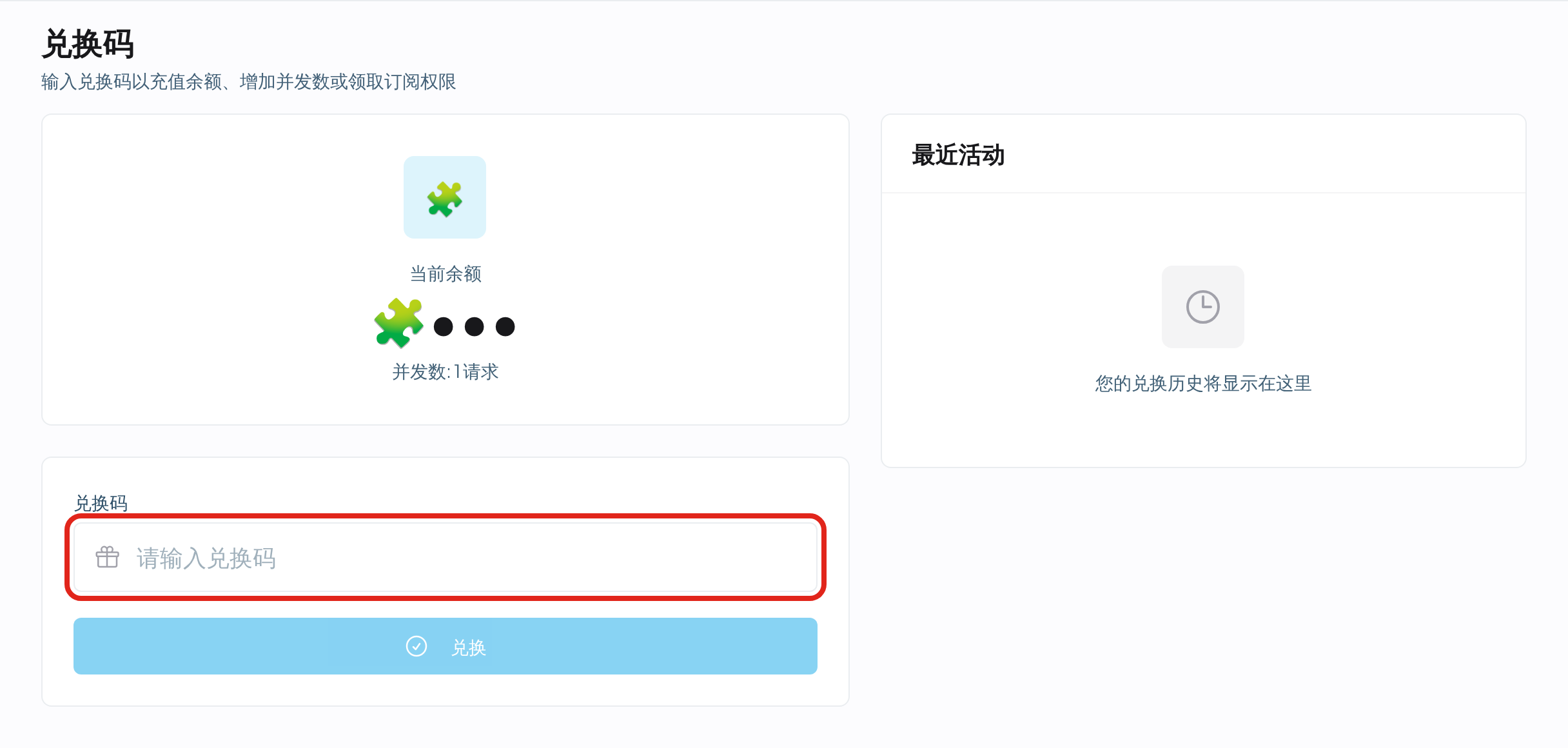
- Sign in and open Redeem in the console's left menu (or go straight to the redeem page).
- The top of the page shows current balance and concurrency for before/after comparison.
- Paste the complete code and click Redeem.
- It lands instantly; Recent activity below records every redemption.
What codes can grant
Getting codes
Purchase from in-site support or through platform events. Contact details are in Account & Security.
Notes
- Each code works once and is void afterwards.
- Trim leading and trailing spaces when pasting.
- If a code reads invalid, first verify it was copied completely; if it still fails, contact support with its source and time.